One camera. Three angles.
Someone else does the switching.
AutoDirector listens to your podcast and cuts to whoever is talking — on a single 4K camera you already own. No config marathon. It just works.
Free while in public validation — no card, no signupWatch it direct a real conversation
Unedited screen capture: setup wizard, voiceprint enrollment from one shared microphone, then the director running on a real two-person interview — the cuts you see are the cuts it made.
Download for Windows — FreeWindows 10/11 · ~124 MB · portable, no installer. Loading download count…
The app, for real
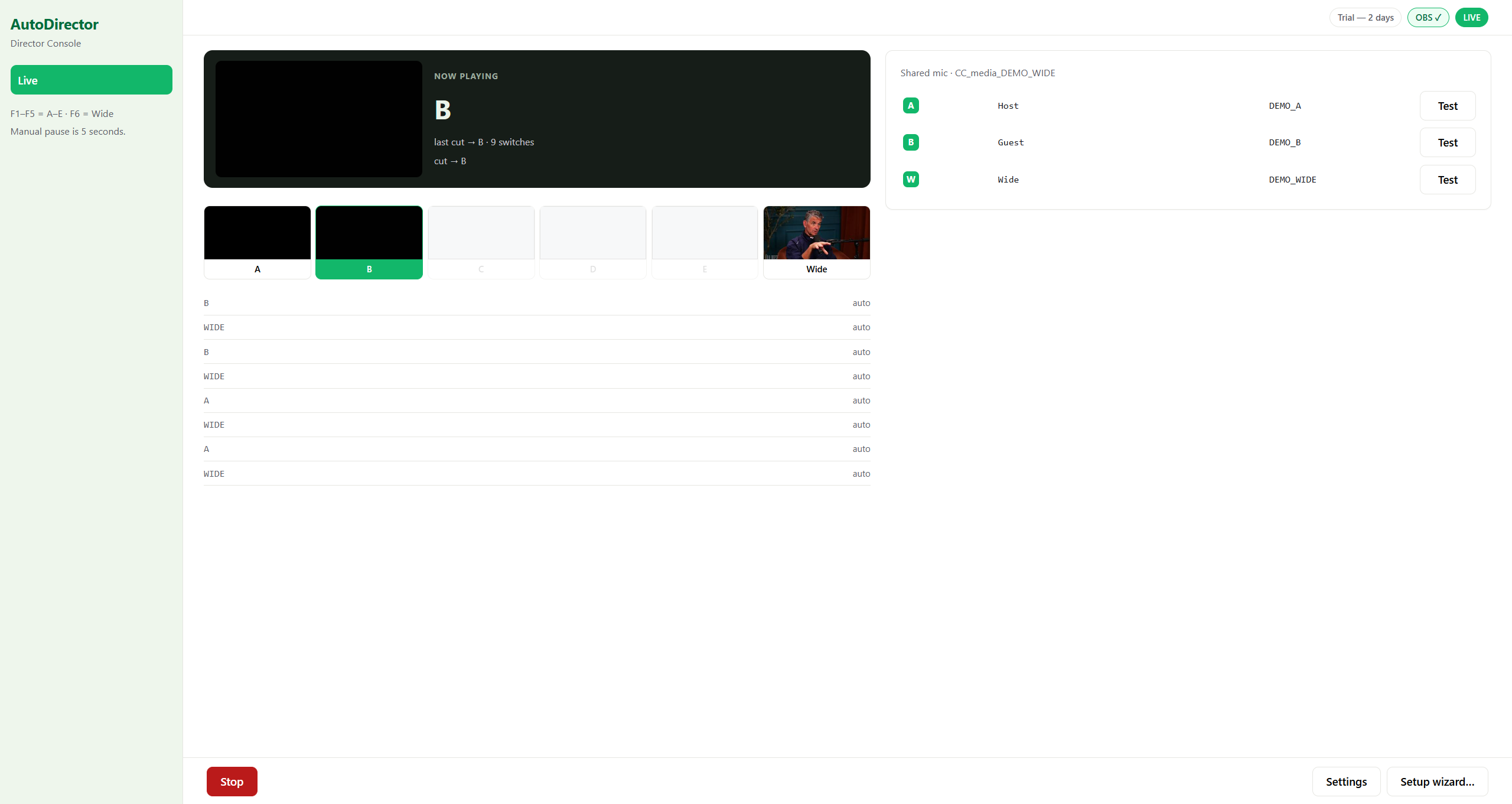
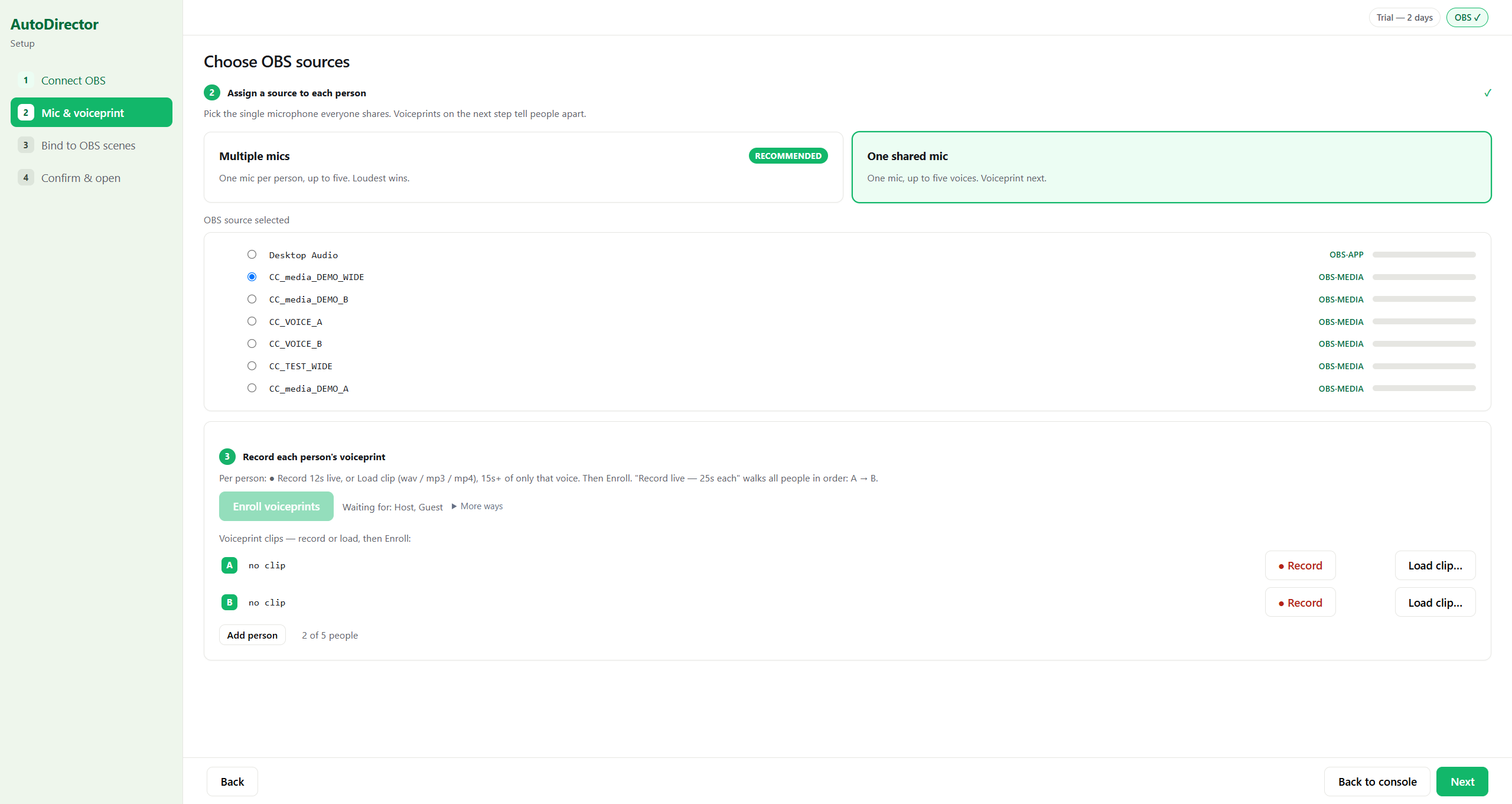
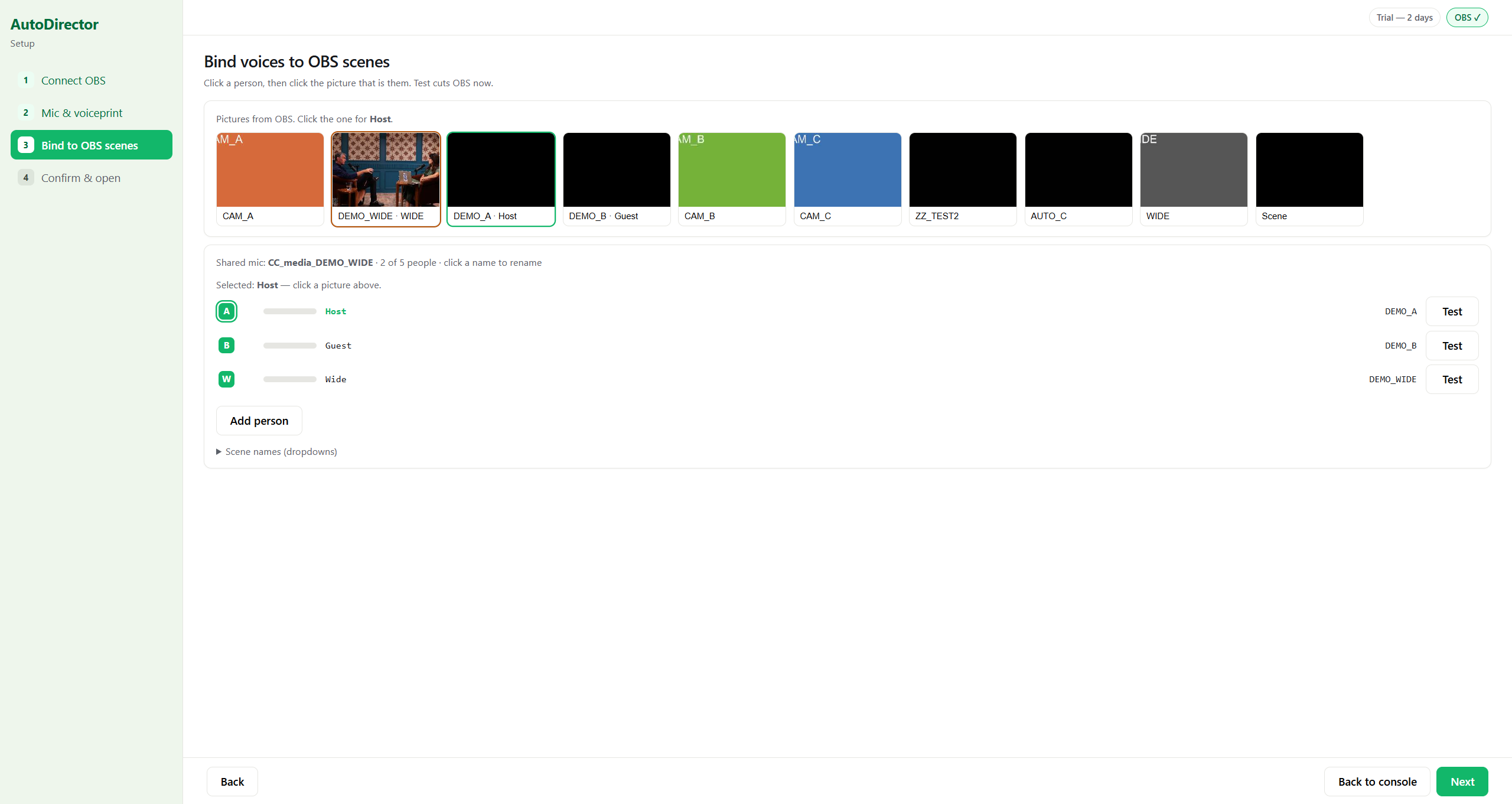
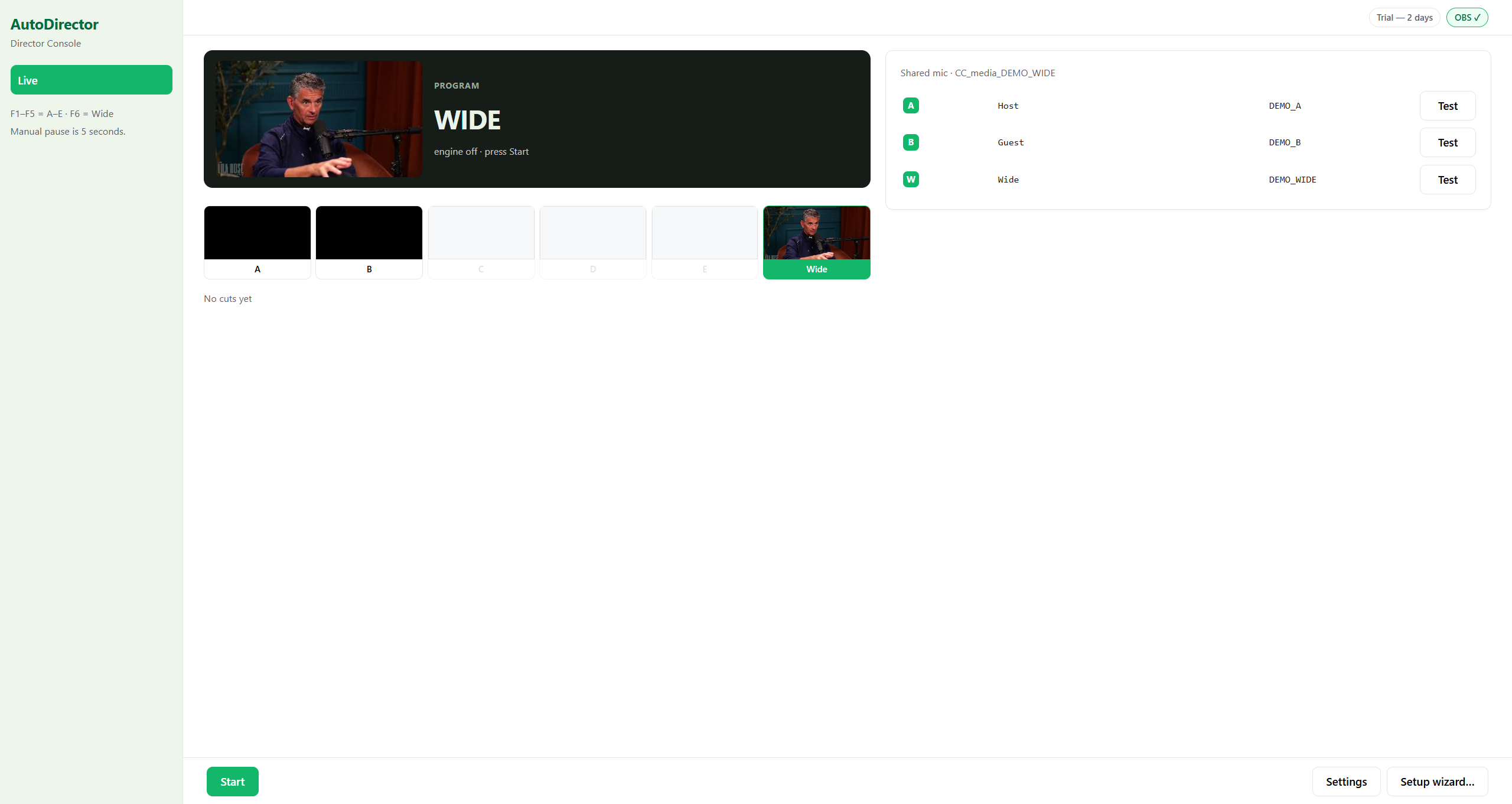
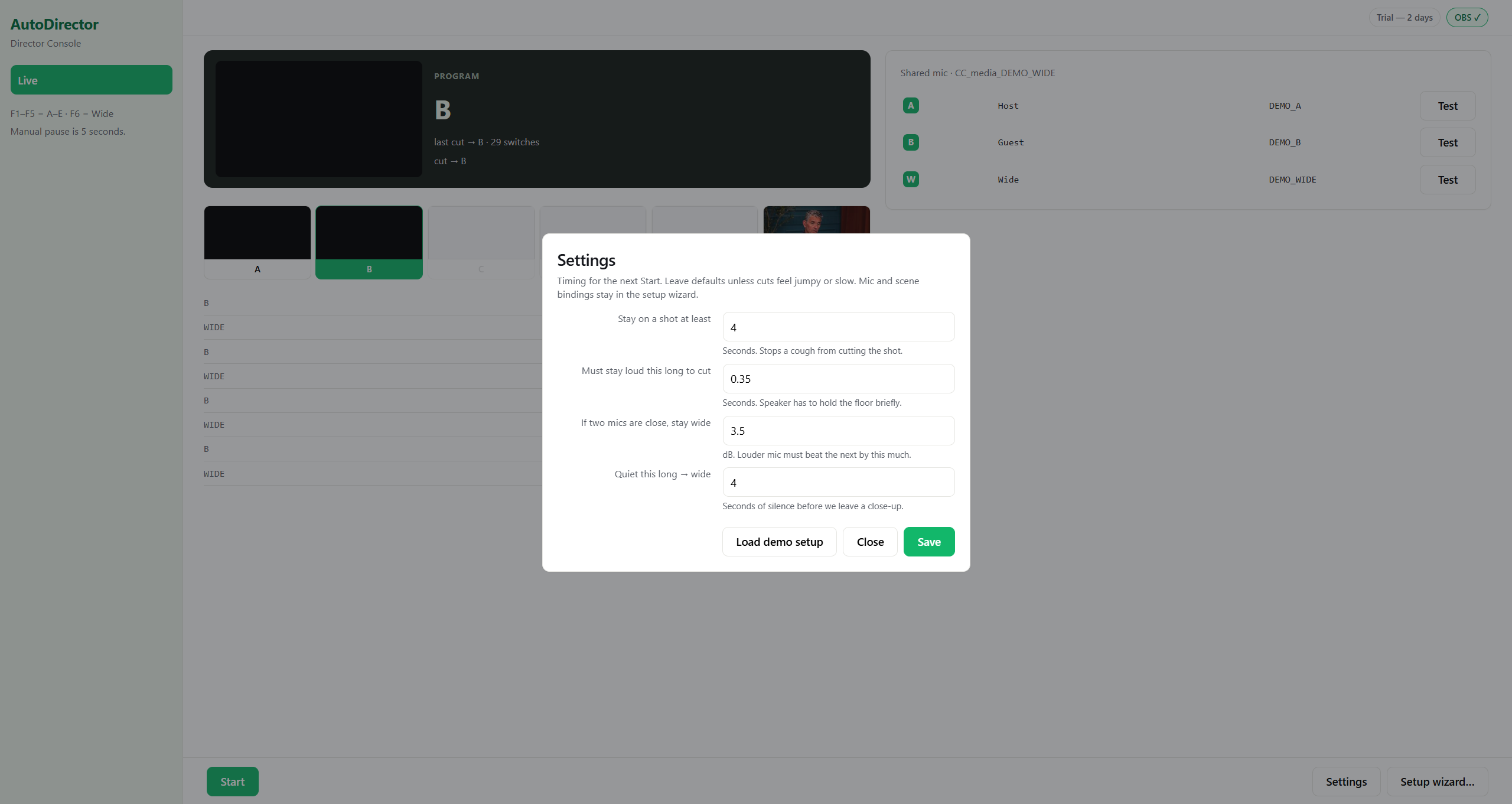
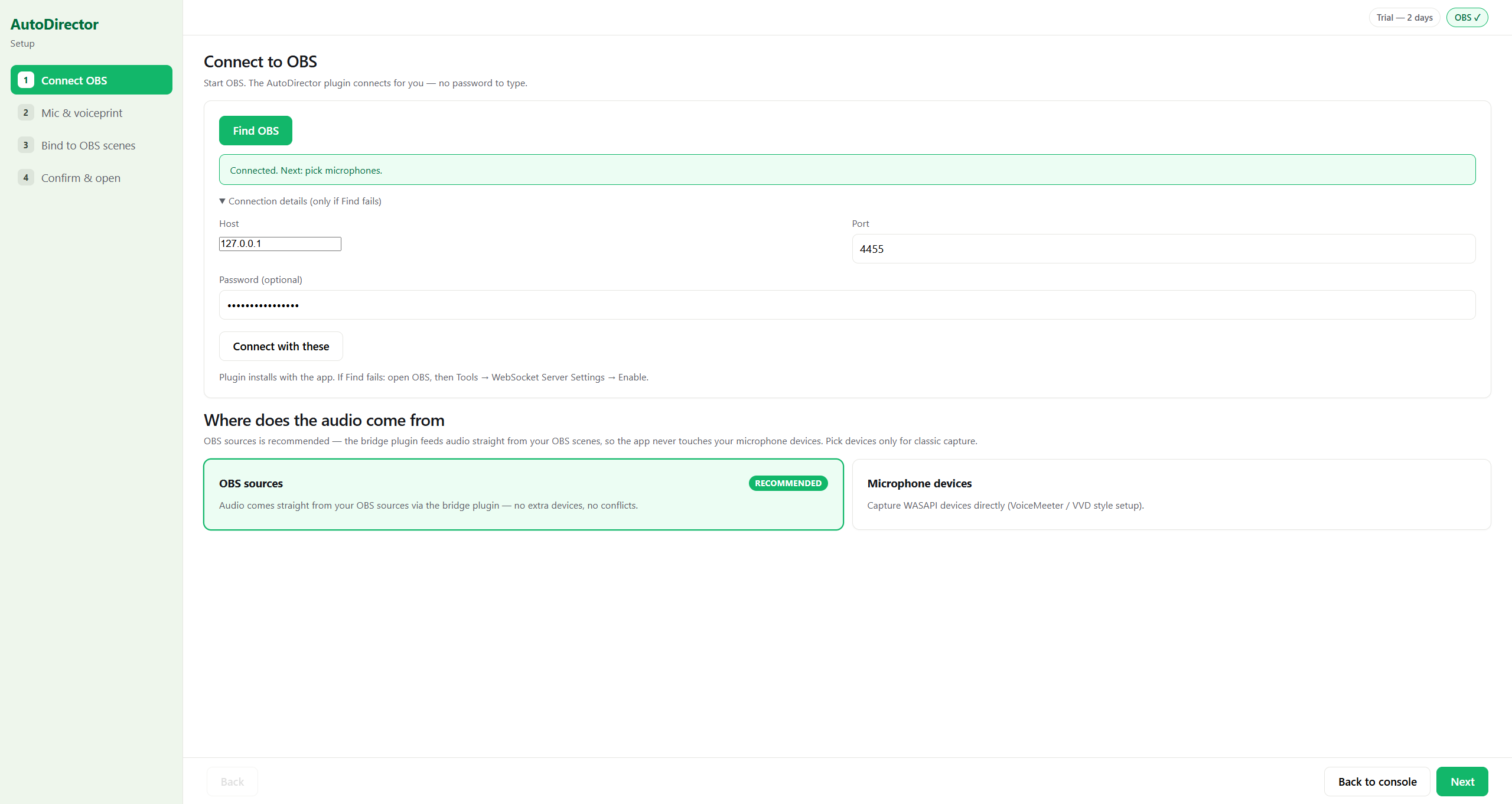
How it works
Connect OBS
The app ships with an OBS bridge plugin. One click finds your OBS — your scene list and thumbnails appear automatically.
Point it at your voices
One mic per person, or a single shared mic — in which case you record each voice once and voiceprints tell speakers apart from then on.
Press Start
It listens and cuts to the current speaker, holds a wide shot when it can't tell, and steps aside the moment you touch a hotkey.
Measured, not marketed
Identical material, identical scoring, three-person dialogue testbench. Attribution accuracy / turn coverage:
| Condition | Market leader ($69) | AutoDirector |
|---|---|---|
| Clean audio | 100% correct | 100% correct |
| Crosstalk −12 dB | 80% | 100% |
| Crosstalk −3 dB | 27% of turns | 86–100% of turns |
| One shared mic | 0% — cuts wrong every time | stays on the wide shot, voiceprints decide |
Test method and raw data are published in the open. Numbers you can't reproduce are marketing, not engineering. Read the shared-microphone measurement →
Requirements
- Windows 10/11
- OBS Studio 30+ (websocket enabled — the wizard turns it on)
- One 4K camera — close-ups are crops of the same frame
- Microphones: one per person, or one shared mic for voiceprint mode
Feedback — tell us what's missing
This build is free because we're validating it in the open. Whatever frustrates you, whatever you need before this replaces a human director — it goes straight to the founder's inbox.
Questions
Is it really free?
Yes — during the public validation phase the whole app is free, no expiry and no signup. When it graduates to a paid product there will be a one-time license; early feedback that ships a feature earns a free license.
Does it need the internet?
No. Everything runs on your machine and talks only to your own OBS on localhost. The single exception: one anonymous counter ping at launch so we can see how many people are using the build. It carries no content and no identifiers beyond a random install id.
What if it cuts wrong?
F1–F5 switch seats and wide manually. The AI stands down for 5 seconds and follows your lead. Works from a Stream Deck too.
Will my close-ups look soft?
The wizard checks your crop factors and warns you before they do. 4K → 1080p gives 2× zoom headroom; we refuse to silently upscale past it.
Can I use one camera for a two-person podcast?
Yes — that's the whole point. Shoot in 4K, AutoDirector crops left and right halves as two close-up angles plus the full wide. One tripod, one cable, zero extra cameras.
How does it know who is talking on a shared microphone?
Voiceprints. Each person records a 12-second sample once; after that the app matches voices in real time. On a three-person shared-mic testbench the market leader switched wrong 100% of the time — AutoDirector holds the wide and only cuts when a voiceprint says so.
Does it work with wireless mics or an audio interface?
Yes. Any source OBS can see — USB mics, wireless lavs, interfaces, or audio played into OBS — can drive the switching.
What can't it do?
It's built for seated conversations (podcasts, interviews, panels). People walking a stage need camera operators. Content-level calls (laugh → wide shot) are on the roadmap, not in this build.